
What a Docket Is in Cumberland
A docket tracks what happened, when it happened, and what motion or order changed the case direction. It is different from the full record, which includes exhibits, attachments, and many order-level documents that may not be displayed in a basic case index.
In Cumberland practice, this matters because one request may need a docket to confirm whether an event occurred, while another request needs a full certified docket sheet or filing copy from the clerk office.
How to Pull Dockets for Cumberland Cases
- Open UJS case search and choose the proper division and county.
- Use party name, docket number, or filing date to narrow results.
- Select the case result and open the docket list.
- Use entry date and entry type to verify hearing and ruling flow.
- Cross-check in the filing office if the docket is not complete or if attachments are needed.
Cumberland’s public docket entries are often reliable for hearing status, but some entries update after court staff review, especially in sensitive and juvenile settings.
Reading Docket Entries
Common terms to decode:
- Arraignment – initial appearance and formal process milestone.
- Motion filed – requests by party counsel for relief, dismissal, or scheduling changes.
- Order – court-directed ruling, which may set payment or action terms.
- Disposition – status closure marker in criminal and many civil streams.
- Case closed – case terminated for administrative or merits-based reasons.
| Field | Use |
|---|---|
| Event date | Chronology anchor and audit trail point. |
| Event type | Hearing, motion, order, or administrative event category. |
| Case participant | Attorney or party initiating the filing. |
| Disposition note | Final status update and next-step indicator. |
Where Dockets Are Posted
Docket publication differs by court: statewide portals cover case search across Pennsylvania divisions, while some older or restricted files can only be confirmed in the issuing office.
| Court source | What usually appears | Notes |
|---|---|---|
| UJS case search | Core docket events for public cases | Most Cumberland statewide access starts here |
| Court of Common Pleas civil | Case and filing-level updates | May link to documents and filings |
| Clerk of Courts | Criminal case updates and public scheduling | May include fee-related and criminal-specific postings |
| MDJ channels | Limited traffic/preliminary records | Heavier local use for summary citations |
Cumberland Docket-Level Contact Flow
If online results are limited, request assistance from the court or clerk office that posted the docket event. For traffic and summary matters routed through local magisterial judges, direct court clerk coordination is often faster than repeat portal checks.
Cumberland Clerk of Courts
Room 205, 1 Courthouse Square
717-240-6250
Mon-Fri 8:00 a.m.-4:30 p.m.
Prothonotary
Suite 100, 1 Courthouse Square
717-240-6195
Mon-Fri 8:00 a.m.-4:30 p.m.
Cumberland Sources and Docket Screens
UJS case information defines what part of the docket is public versus secure.
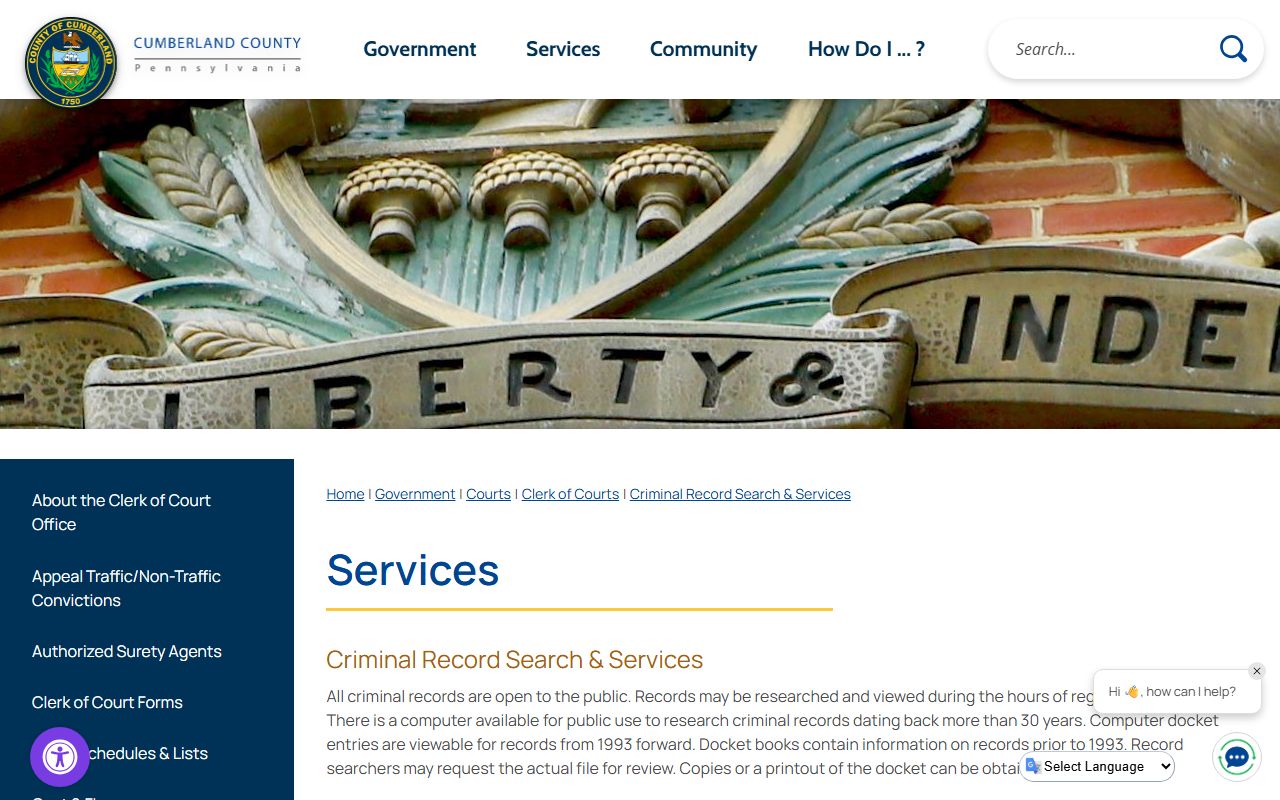
Use this to verify that a docket is in public posture before contacting court staff.
Cumberland civil docket instructions gives county-specific formatting and viewing notes.
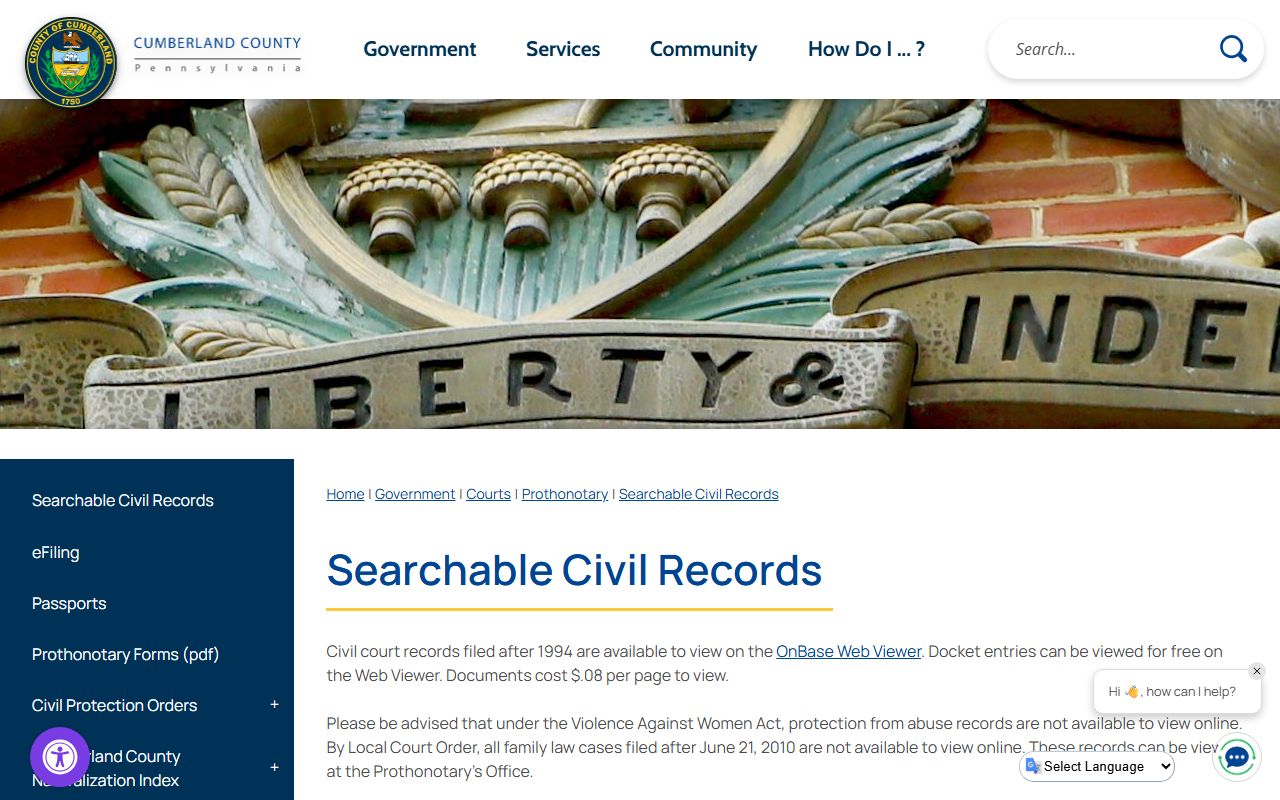
Local MDJ court links can clarify whether the matter belongs in MPJ venue or county court docketing.
Magisterial District Court contact list (from Cumberland portal)
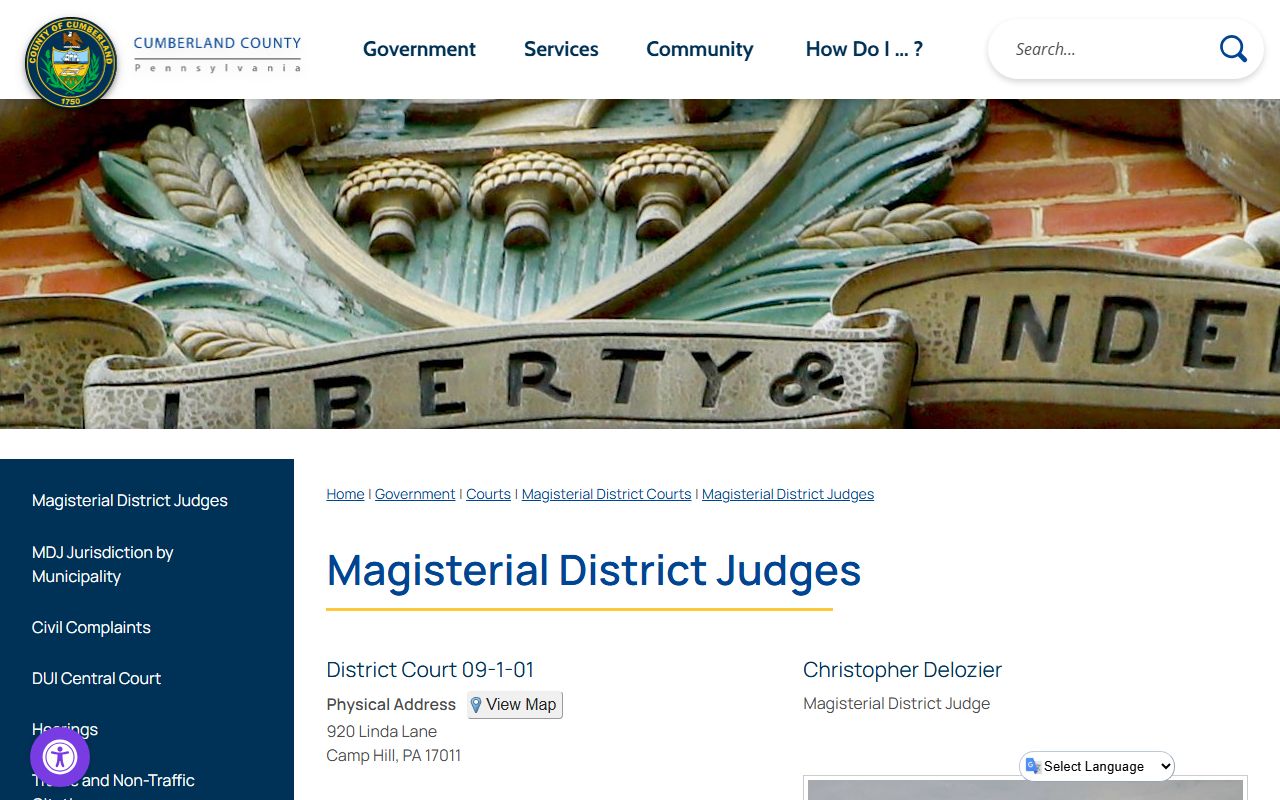
If you are uncertain about the issuing court, this list helps route your request correctly.
Public Record Search
Sponsored Results